One place for each plant
Save plants in My Garden with names, photos, and locations. Start manually when you already know what you are growing.
AloeThere Plant Health
A plant care app for the days between problems. Organize your garden, remember care check-ins, and return to photos and health checks so your next step has context.
For iPhone, iPad, and Android. Free download with in-app purchases. See what is included.
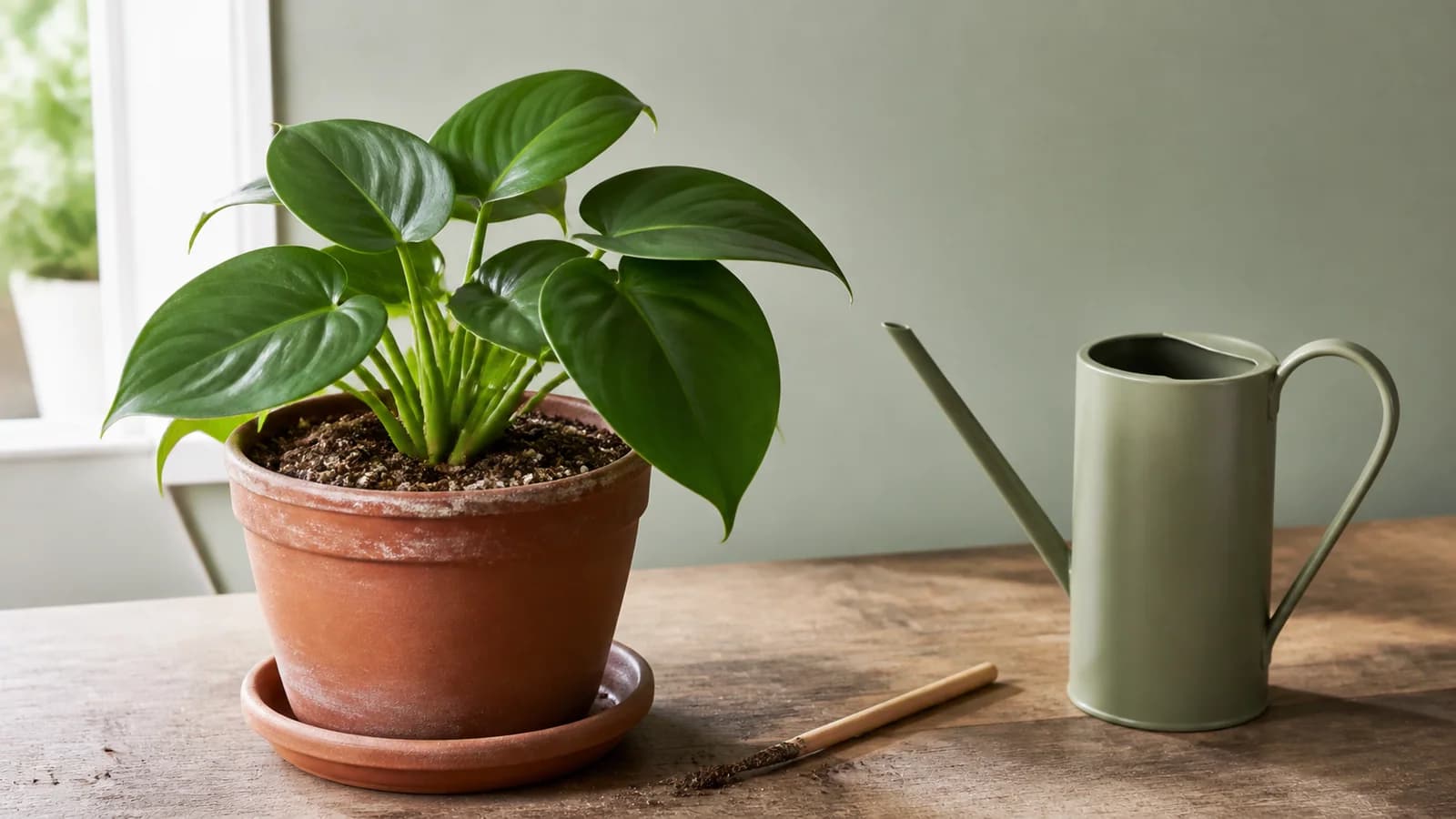
A care habit worth keeping
Check. Decide. Record. Come back.
A regular check-in does not mean regular watering. Notice what your plant needs, record what you did, and leave yourself a useful next step.
Try the soil-first watering guideSave plants in My Garden with names, photos, and locations. Start manually when you already know what you are growing.
Choose watering and fertilizing schedules and reminder times. Check the plant before acting, then adjust your rhythm as conditions change.
Return to saved photos and health-check history to see what has changed. Premium adds guided recovery plans and recovery tracking when you need more support.
Choose what you need
Reminders need notification permission. Optional weather context is not a soil-moisture measurement.
Paid access does not guarantee a diagnosis or recovery. See current plans and eligibility in the app before purchasing.
Identification and photo-based health checks can help you find a starting point. Photograph the whole plant and relevant details, check the growing conditions, and keep the result with that plant for your next visit. AI guidance may be wrong and is not a substitute for expert help.
Use the three-photo checklistPlant care, explained
Check moisture, light, roots, and pests before changing your care routine.
Learn what to check instead of relying on a fixed watering schedule.
Understand the connection between damp potting mix and those tiny flying insects.
Start with the right balance of water, light, soil, and drainage.
Yes. Add a plant manually to My Garden, give it a name, and set a care schedule. You can keep a photo and location with its profile. Identification and health checks are there when you need another starting point.
No. A reminder is a prompt to check. Feel the potting mix and consider the needs of that plant before adding water. Your room, pot, and soil determine how quickly it dries. Notifications need permission on your device.
A photo is a starting point. Watering problems, pests, light stress, and disease can look similar. Results describe possible causes, not a guaranteed diagnosis. Check the soil, roots, and growing conditions alongside the report.
AloeThere is free to download with in-app purchases. Plant identification, basic health checks, My Garden organization, and regular care schedules help you get started. Premium unlocks detailed possible causes, personalized recovery plans, guided care steps, and recovery tracking. Basic care history is not the same as a guided recovery plan. Check the app for current pricing, access, and any trial eligibility before purchasing.
Yes. AloeThere Plant Health is available on the Apple App Store for iPhone and iPad, and on Google Play for Android phones and tablets. An AloeThere account lets you sync your garden and history. Notification and optional weather features depend on device permissions and availability.